
014D geometry
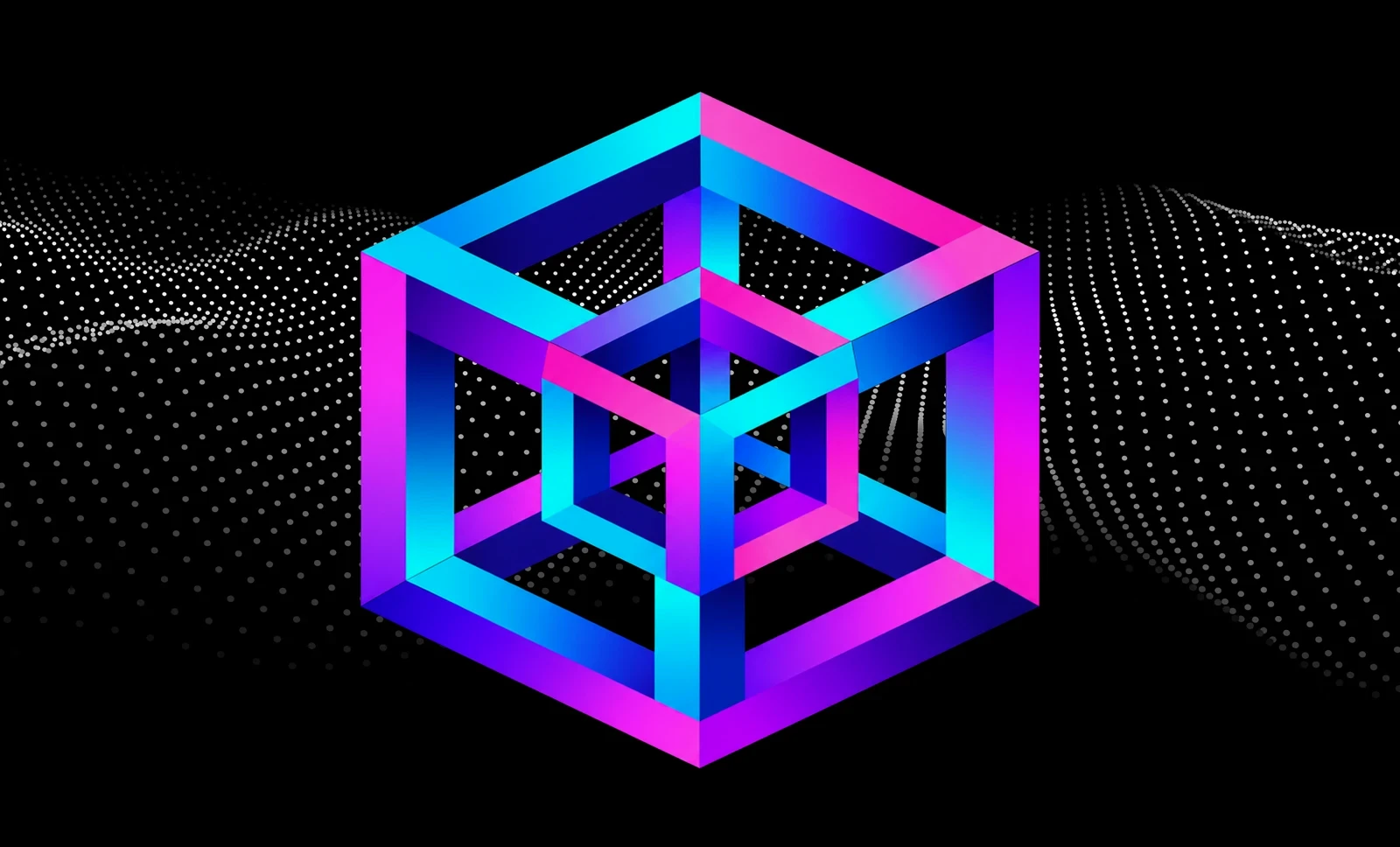
Tesseract
Four dimensions, brought to life.
A four-dimensional cube transforms with the music, bringing the app’s namesake geometry into your visual set.
Scroll for the next visual ↓Real-time
DJ visuals.
A professional VJ app that responds to your music in real time, creating a dynamic, visually stunning accompaniment to your DJ set.
Explore a selection from Tesseract VJ’s visual library. Scroll to move between luminous geometry, sculpted knots, immersive tunnels and layered colour, shown in an iPad or Mac frame.
Visual output from the app · Silent previews · Scroll to explore
A four-dimensional cube transforms with the music, bringing the app’s namesake geometry into your visual set.
Scroll for the next visual ↓Luminous surfaces shift with the music, bringing depth and structure to the screen.
Scroll for the next visual ↓Layered tunnels of light create a sense of depth and forward movement that develops with your set.
Scroll for the next visual ↓Luminous glass knots move and transform with the harmony, bringing intricate structure and colour to your visual set.
Scroll for the next visual ↓Travel through flowing architectural surfaces as the visual composition develops with your set.
Scroll for the next visual ↓Translucent geometry, fine grids and luminous colour add another visual register to your performance.
Continue to performance controls ↓Run your visual set in Auto VJ, mix manually with two decks, or edit individual clips to suit your performance.
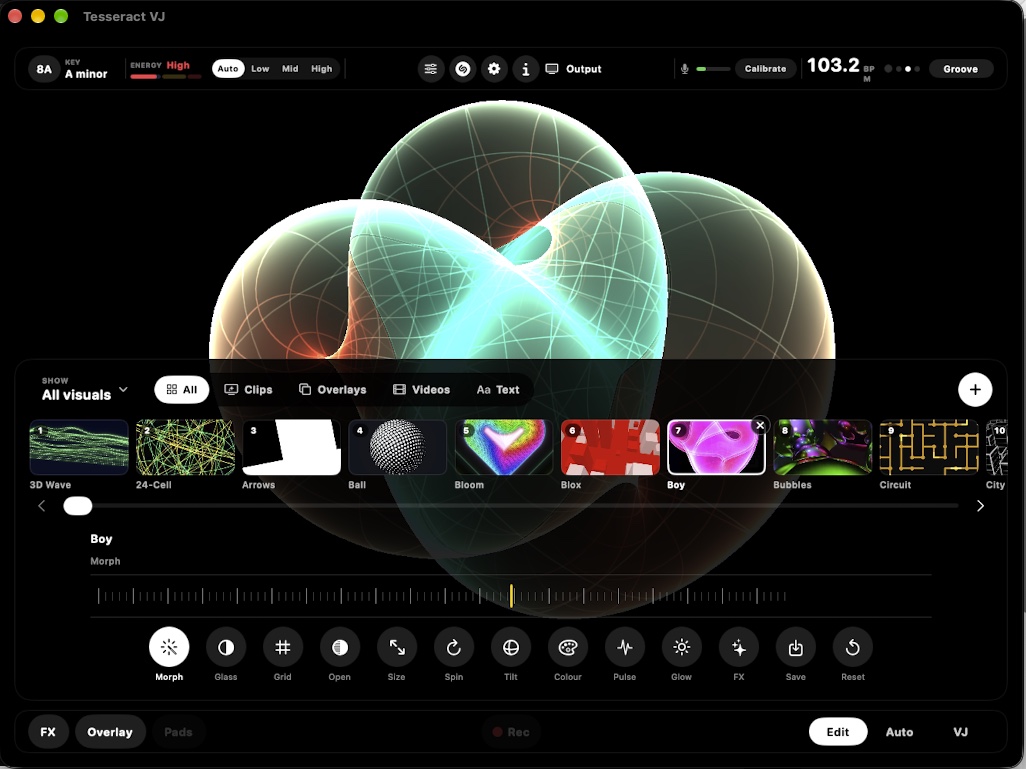
The beat, tempo, key and energy of your music drive the picture. Feed it the room’s sound, or connect an audio interface for a direct line from your mixer.
Auto VJ changes clips, adds overlays and combines FX in time with the music. Choose your set length and let the rotation give your selected visuals their turn.
Take over with two decks, a crossfader and performance pads. Cut, fade, wipe or flash between visuals. Trigger Stutter, Echo, Glitch, Mirror and other FX in time with your set.
Import your videos, photos and DJ or event logo. Combine them with generated visuals to create a consistent visual identity for your set.
Tesseract VJ support ↗Bring your own videos and stills into the library. Adjust the movement, fit and effects with the same editor you use for your other clips.
Add your logo as an overlay with its own motion and FX. Trigger it from a performance pad or include it in Auto’s overlay rotation.
Add event names, announcements and custom messages as animated text and titles within your visual performance.
Build the show on your iPad or Mac. Send the clean picture to a TV or projector. Keep the controls with you.
Capture the performance with the incoming sound and save it to Photos. Your transitions and effects are included in the recording.
No. Auto VJ runs the show to the music, including clip changes and FX. You can take over in VJ mode whenever you want to perform the transitions yourself.
Yes. Import your media, edit it with the clip controls and mix it into your show. Logos are overlays: assign them to pads to trigger them live, or include them in Auto’s overlay rotation.
Through the device microphone or a connected audio interface. A direct feed from your mixer gives it a cleaner signal in a noisy venue.
The finished visual show, without your controls. Connect a TV or projector using HDMI or AirPlay. You can keep editing while the audience sees the show.
Yes. Record the show with its transitions, FX and incoming sound, and save the result to Photos. Only use and share media you have permission to use.
Coming to the App Store for iPad and Mac.
Get in touch