01
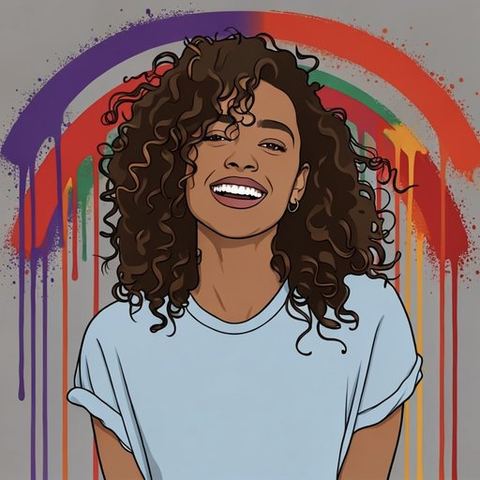
Street Art
Tag, throw-up, paste-up, chrome piece, sticker slap, spray-paint stencil.
Five hundred ways to see it.
Walk every style in the app, number by number,
from Street Art to Eras —
Byzantine mosaic to 1990s rave, cyanotype to stop-motion clay. Each one was generated and looked at before it was allowed in. The ones that didn't come out as the style they claim were cut.
Most photo filters are a tint laid over the same photograph. But a woodcut isn't a tinted photo — it's cut lines. A cyanotype is Prussian blue on paper. A 1967 concert poster is hand-drawn lettering that melts. We wanted the picture remade in the medium, not coloured to look a little like it.
Apple Intelligence can now do that on an iPhone. So we wrote the styles — over five hundred of them, each describing a technique or a period rather than a particular artist — and built the app around choosing one.
It isn't magic, and we'd rather say so here than find out in a review. Every picture is made fresh, so results vary, and some styles suit some photos better than others.
Five hundred of anything is a wall you scroll past. So Lens Style reads the photo first — a face, a landscape, a still life — and suggests the styles that suit it. If you'd rather browse, the whole collection is there in number order, with search.
Every style was generated and judged on its own picture before it was allowed in. The ones that came back wrong — or never came back at all — were cut, and they are kept on a list so they can't quietly return.
You pay once and everything is there as soon as it's installed. No trial, no watermark, nothing to unlock, nothing to sign in to.
Before you start, in Account whenever you want it, and again before a picture leaves the app. Lens Style is for photographs you own — restyling someone else's artwork, poster or album cover doesn't make it yours.
Paying up front means being clear about who it's for before you pay, not after. It needs an iPhone 15 Pro or newer with Apple Intelligence switched on. If yours can't make Styles, please don't buy it yet.
— Ricky Chopra, Lens Style
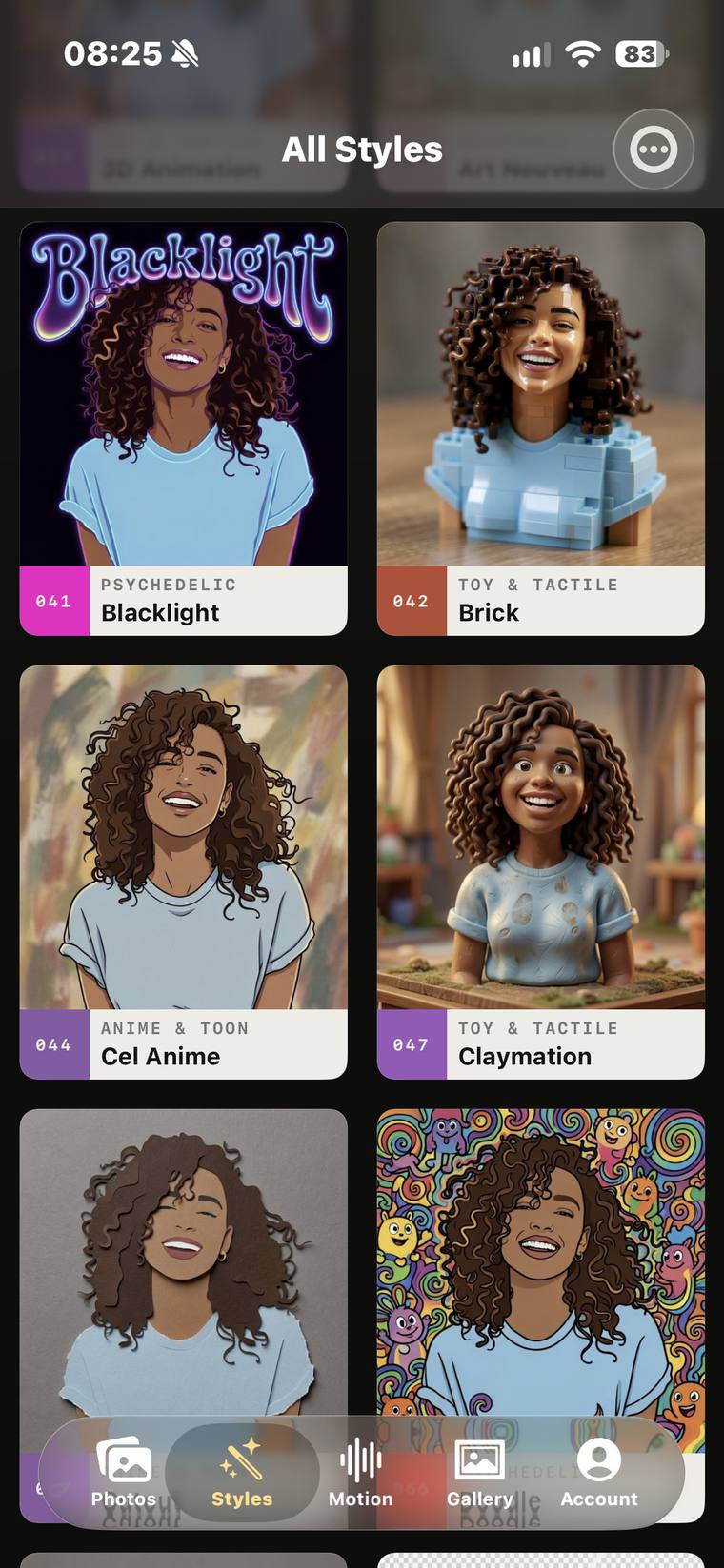
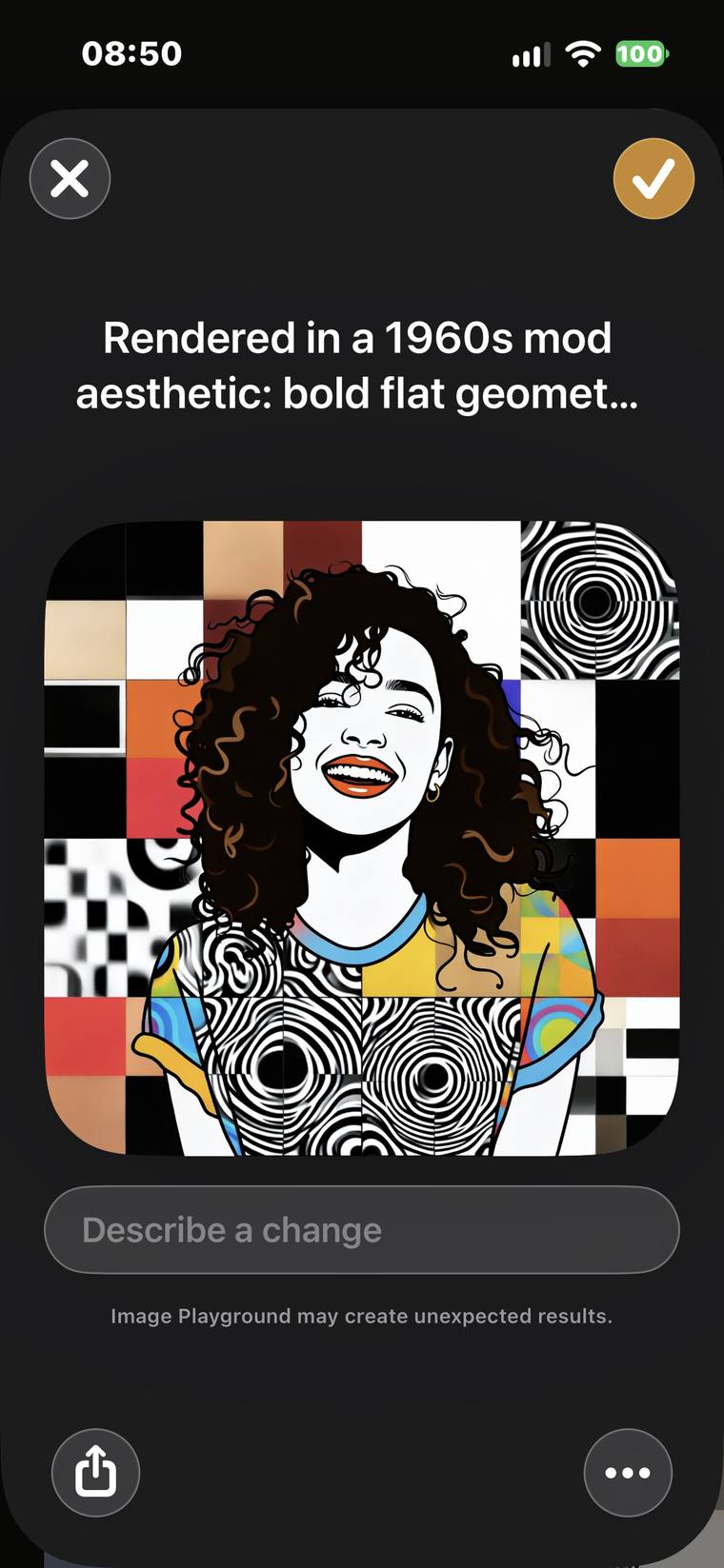
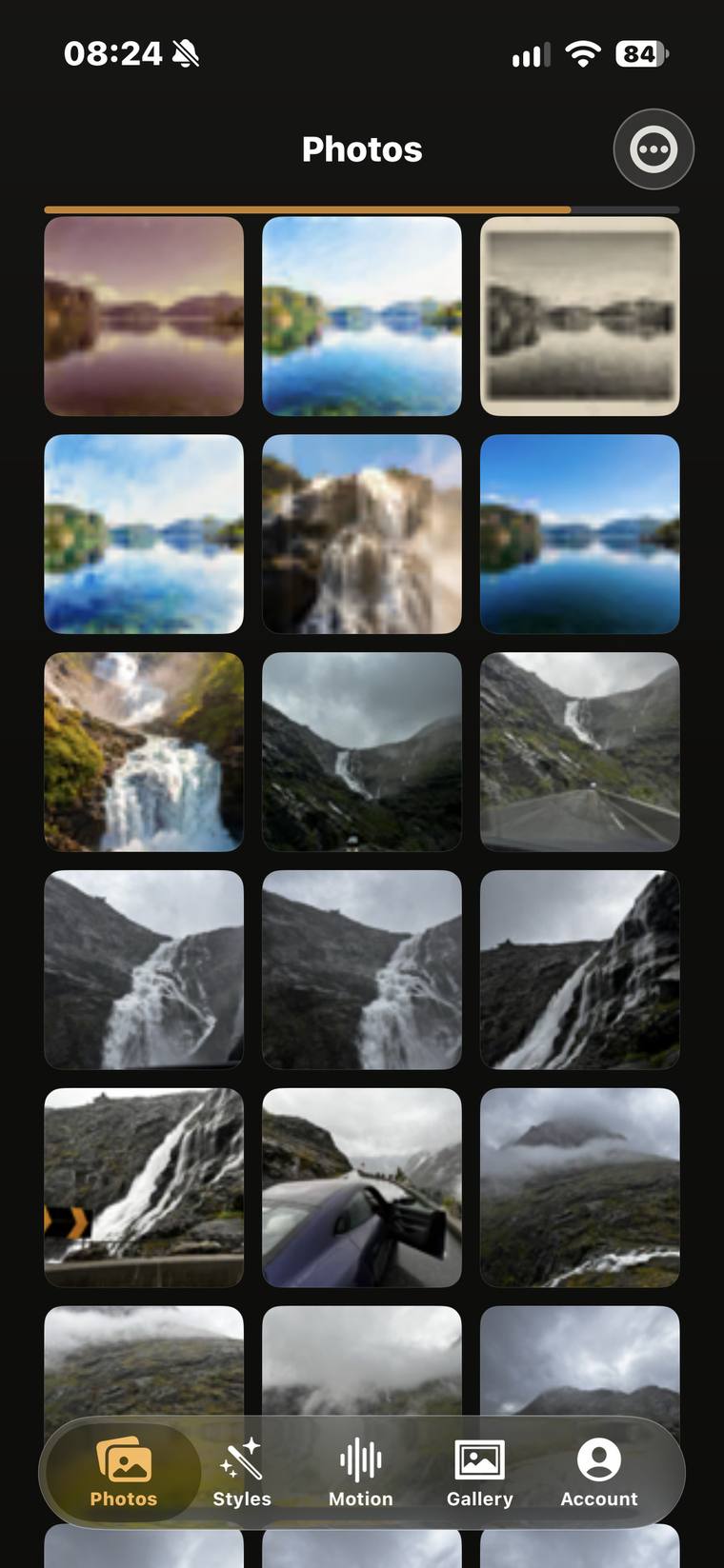
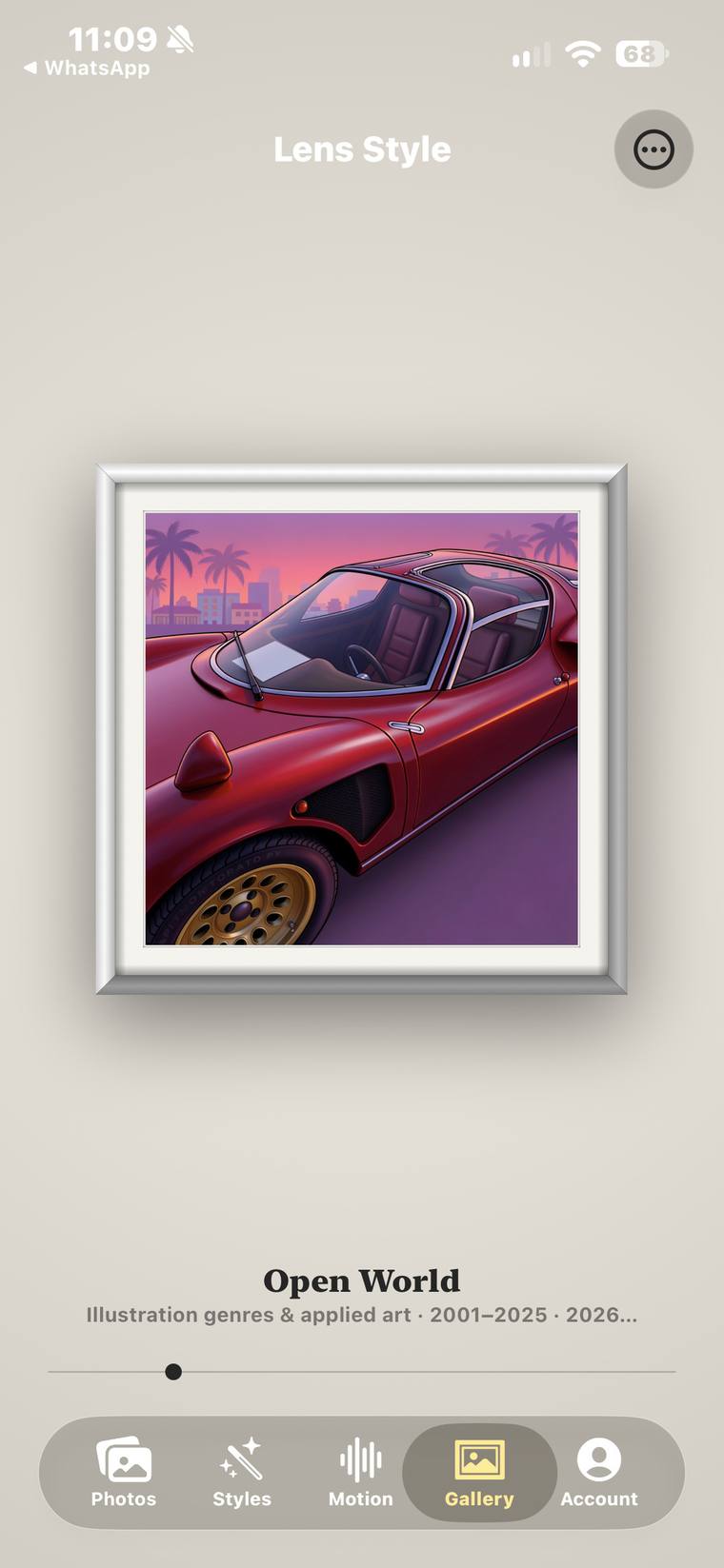
Three real screens, in the order you'd see them. Choose a photo and Lens Style suggests the styles that suit it. Tap one and Apple Intelligence makes the picture — usually in 10 to 20 seconds. It lands in your Photos library.
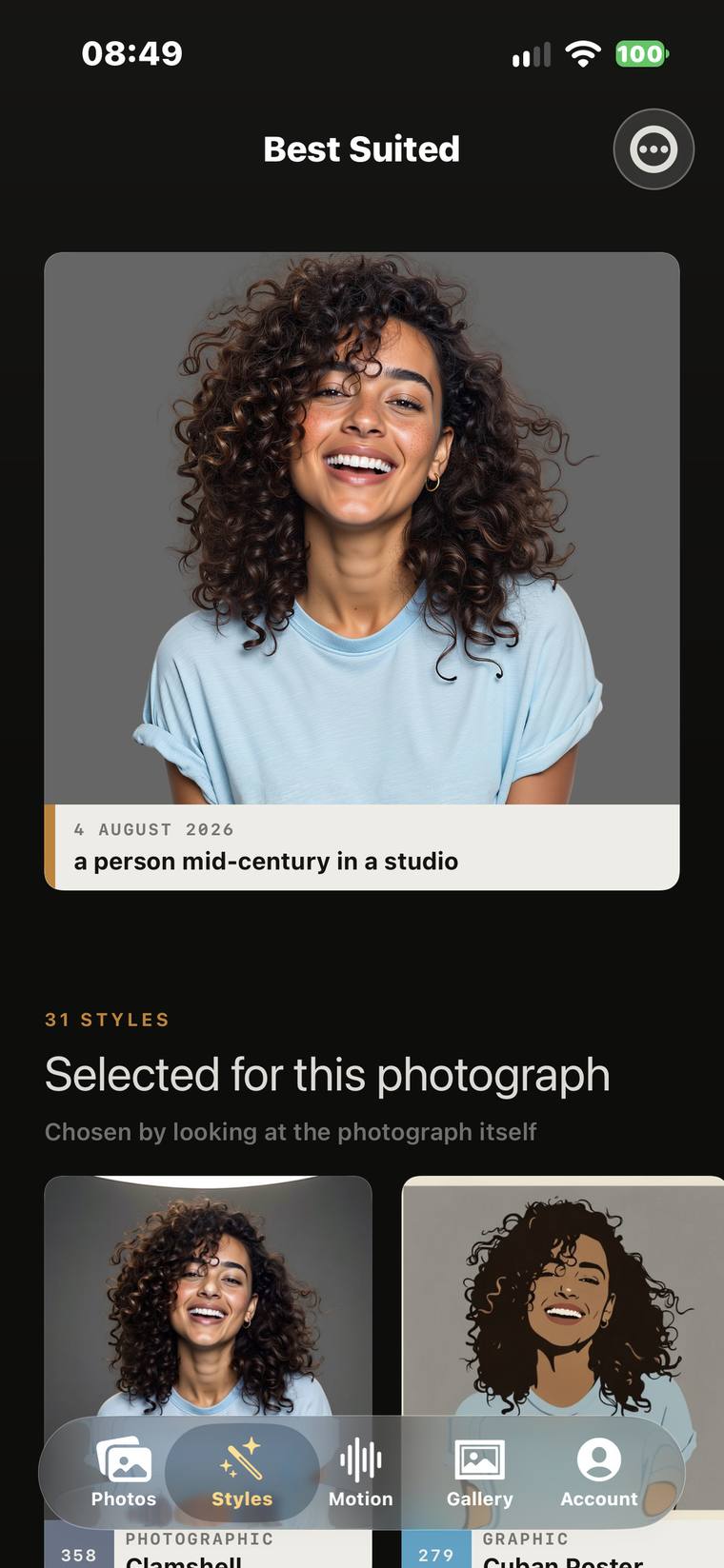
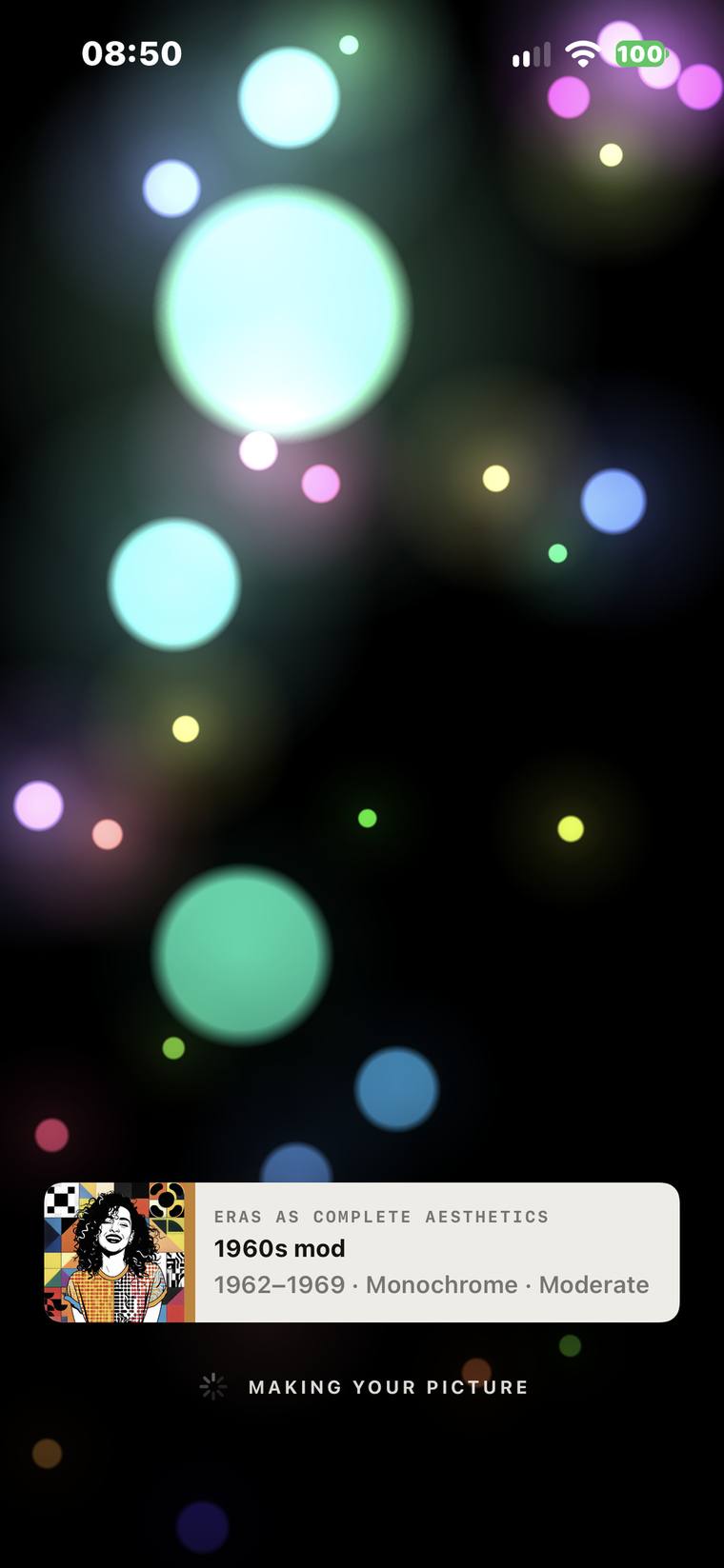
Real screens, not mock-ups. Every picture is made fresh, so yours will differ.
Every style is numbered, and the All Styles wall walks them in this order.
Tag, throw-up, paste-up, chrome piece, sticker slap, spray-paint stencil.
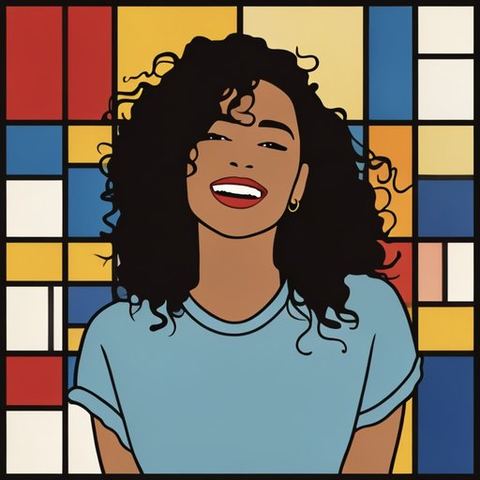
The movements and schools: Fauvism, Pointillism, Analytic Cubism, De Stijl, Bauhaus, Gothic.

From around the world: Persian miniature, Madhubani, sumi-e, Roman mosaic, Aztec codex, Talavera tilework.
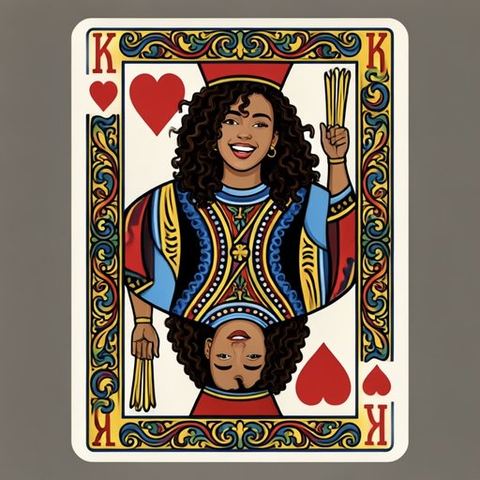
Posters, print and applied art: Polish Poster School, DIY zine, pub sign painting, blackwork tattoo, playing cards.
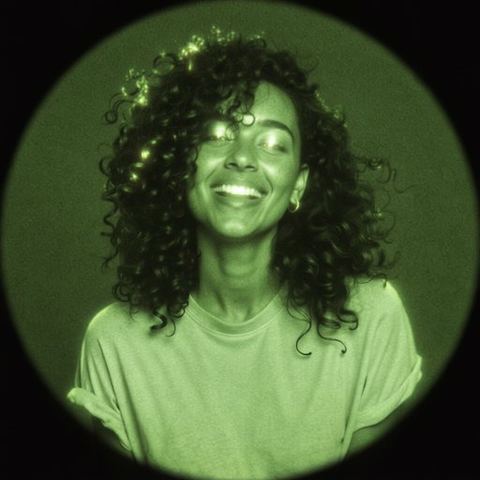
Film, light and lenses: golden hour, 16mm grain, contact sheet, camcorder timestamp, thermal, night vision.
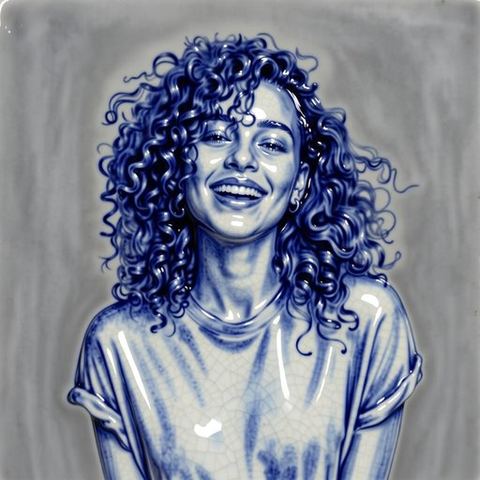
Processes and materials: woodcut, cyanotype, daguerreotype, stained glass, cloisonné, porcelain.

Animation, still: stop-motion clay, cel shading, pixel art, rotoscoping, a phenakistoscope disc.

Whole periods as a look: Medieval, Tudor, 1920s Jazz Age, 1960s mod, 1970s punk, Y2K futurism.
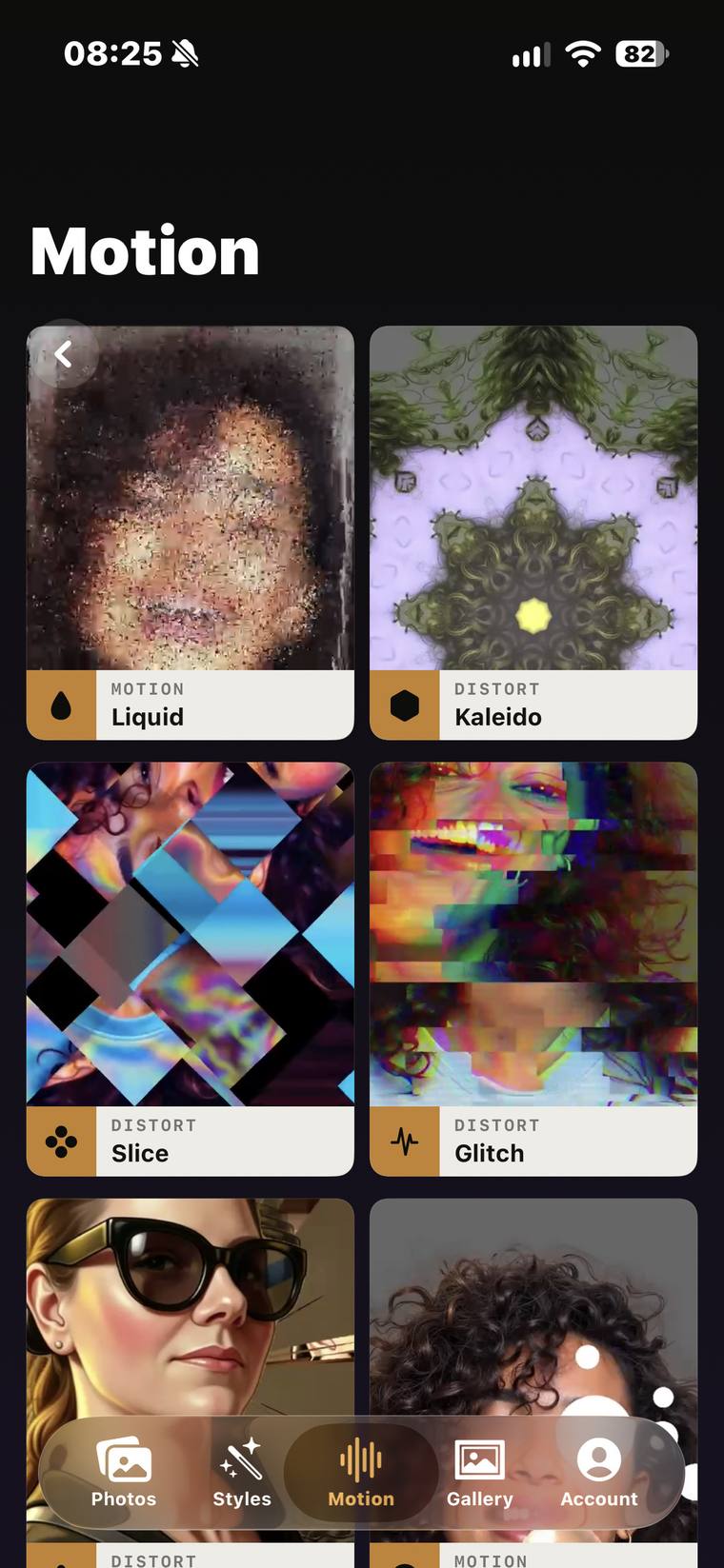
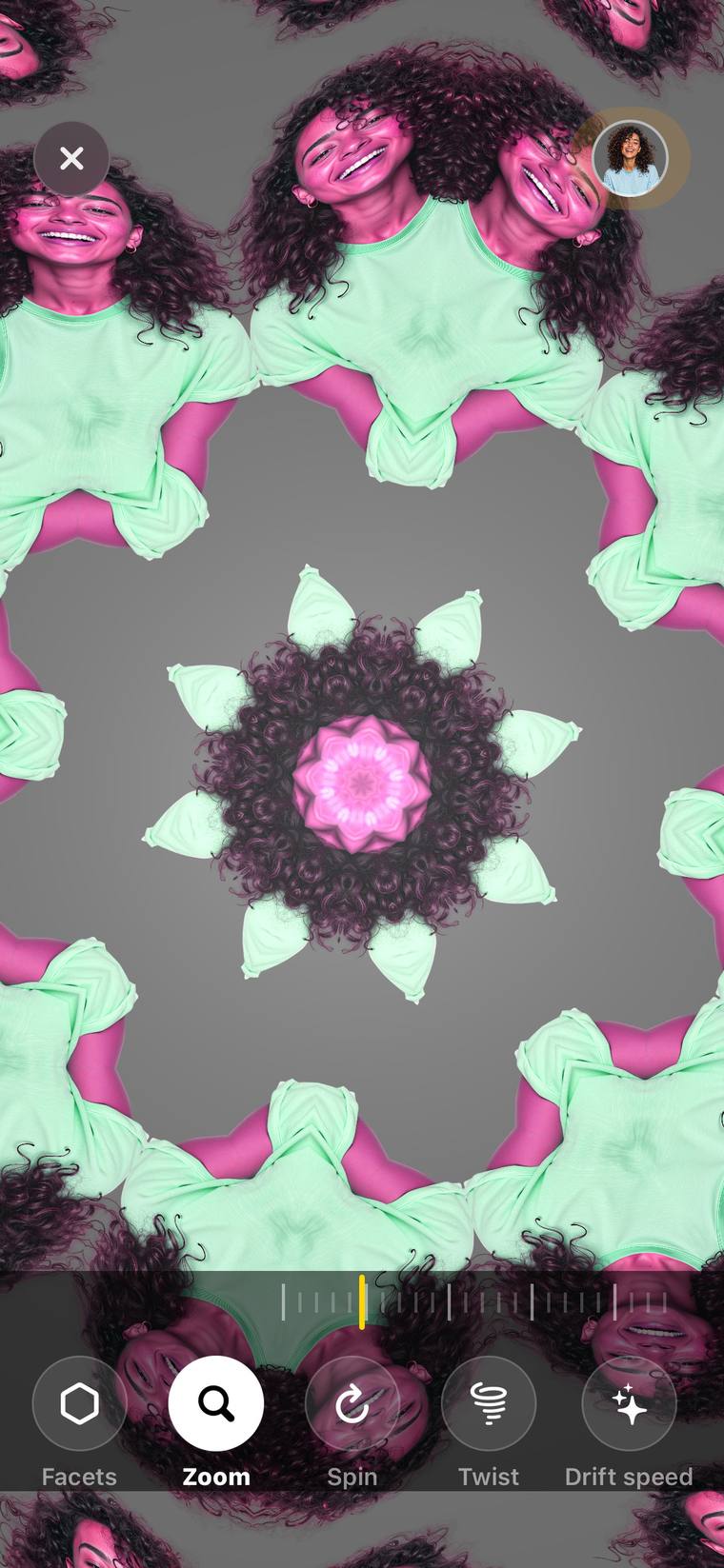
Liquid, Kaleido, Slice, Glitch, Shatter, Lens, Echo, Focus, Instant Film, Developing Bath and Dream — live on the iPhone. Record video or keep a still. No Apple Intelligence needed.
Lens Style reads your library on the iPhone, to show thumbnails and work out what's in a picture. When you make a Style, the picture is handled by Apple Intelligence — on the iPhone, or on Apple's Private Cloud Compute. That is the one point it leaves the device, and it goes to Apple, not to us.
We don't target you with it. We don't sell it. We hold no copy of it. We never receive it.
There is no Lens Style server, no account and no sign-in. What you make is saved to your own photo library and the app keeps no copy. No analytics, no advertising, no crash-reporting service and no third-party SDKs of any kind.
Apple's Vision framework finds faces, animals, scenes and the outline of the subject, so the app can suggest styles and frame the picture. That runs entirely on the device and is never transmitted.
Styles come from Apple's Image Playground, on the iPhone or on Private Cloud Compute — which is why a connection is usually needed. Apple's privacy policy governs that step, and Apple states that data sent to Private Cloud Compute is not stored.
Dream runs a neural network built into the app, on the iPhone, with no network access. The moving effects are real-time graphics on the phone's GPU and involve no network of any kind.
Finished pictures and videos go to your Photos, filed in an album called Lens Style, with the style's name written into the file so you can tell later how it was made.
On the phone the app keeps only any effect settings you save and a cache of small thumbnails. None of it is sent anywhere, and deleting the app removes all of it.
Lens Style is bought once from the App Store. We never see your name, email address or payment details, and refunds are Apple's to give.
The full privacy policy is short, and says the same thing.
Over five hundred styles, suggested for your photo or browsed in order. The moving effects and Dream. A Gallery widget that puts something you made on your Home Screen. All of it as soon as it's installed, for £4.99, once.
The All Styles wall, the Motion shelf, and Kaleido running live. Screens from an iPhone 15 Pro.
There's no trial, so here is everything you need to know before you buy.
If Apple Intelligence is switched off or not available where you are, Dream and the moving effects still work, because they run on the phone itself. Styles — the point of the app — can't be made, and the app says so on screen rather than failing quietly.
Apple handles the payment and any refund, at reportaproblem.apple.com. We'd still rather you checked your phone first.
Prices shown in GBP. The App Store sets its own price in each territory, so yours may differ — Apple shows it in your currency before you pay.
Coming soon to the App Store